

Your Practical Path to Getting Started with Artificial Intelligence — No Cost, No Confusion
Artificial Intelligence can feel overwhelming. New tools pop up every week. One minute you’re learning ChatGPT, the next you hear about Gemini, Canva AI, Runway, or Notion AI. The promise of AI is huge — writing assistance, graphics creation, videos, automation — but as a beginner, you might ask…
Where do I start, and which tools are actually free and beginner-friendly?
This guide answers exactly that. You’ll walk away with clarity, real examples, and clear next steps you can try today without paying a cent.
Let’s begin with the Problem.
PROBLEM: You Want to Use AI — but It’s Confusing and Costly
AI is everywhere today — from tools that can draft your reports to tools that can generate videos or analyze patterns in spreadsheets. But with premium plans everywhere and hundreds of tools to choose from, beginners quickly hit walls:
-
Too many tools: There are thousands of AI products, and not all of them are beginner-friendly.
-
Hidden costs: “Free” often means limited features or trials that expire.
-
Learning curve: Some tools are techy; others assume prior experience.
If you’re starting from zero, these barriers can make you feel overwhelmed and stuck before you even begin.
Now imagine this scenario…
AGITATE: The Frustration of Trying AI Without Guidance
You open a new AI tool that promises “free forever” status. You type a prompt. Nothing helpful comes back. Or worse — you reach a paywall before you’ve even used the features once.
You scroll through forums and see lists of tools, but the descriptions are vague, and you’re unsure which ones are actually helpful.
You ask yourself:
-
Is this tool really free?
-
Do I need to download software or learn coding?
-
Am I wasting time on something that won’t help?
You want results now — not confusion.
What if there was a clear list of tools that are genuinely free, beginner-friendly, and useful for real tasks?
Good news: there is.
Here’s the Solution.
SOLUTION: Best Free AI Tools for Beginners in 2026
This section breaks down real, free AI tools you can start using now — no cost and no technical degree required. The tools are categorized, explained, and matched with typical beginner use cases.
1. ChatGPT Free Tier — Your All-Purpose AI Assistant
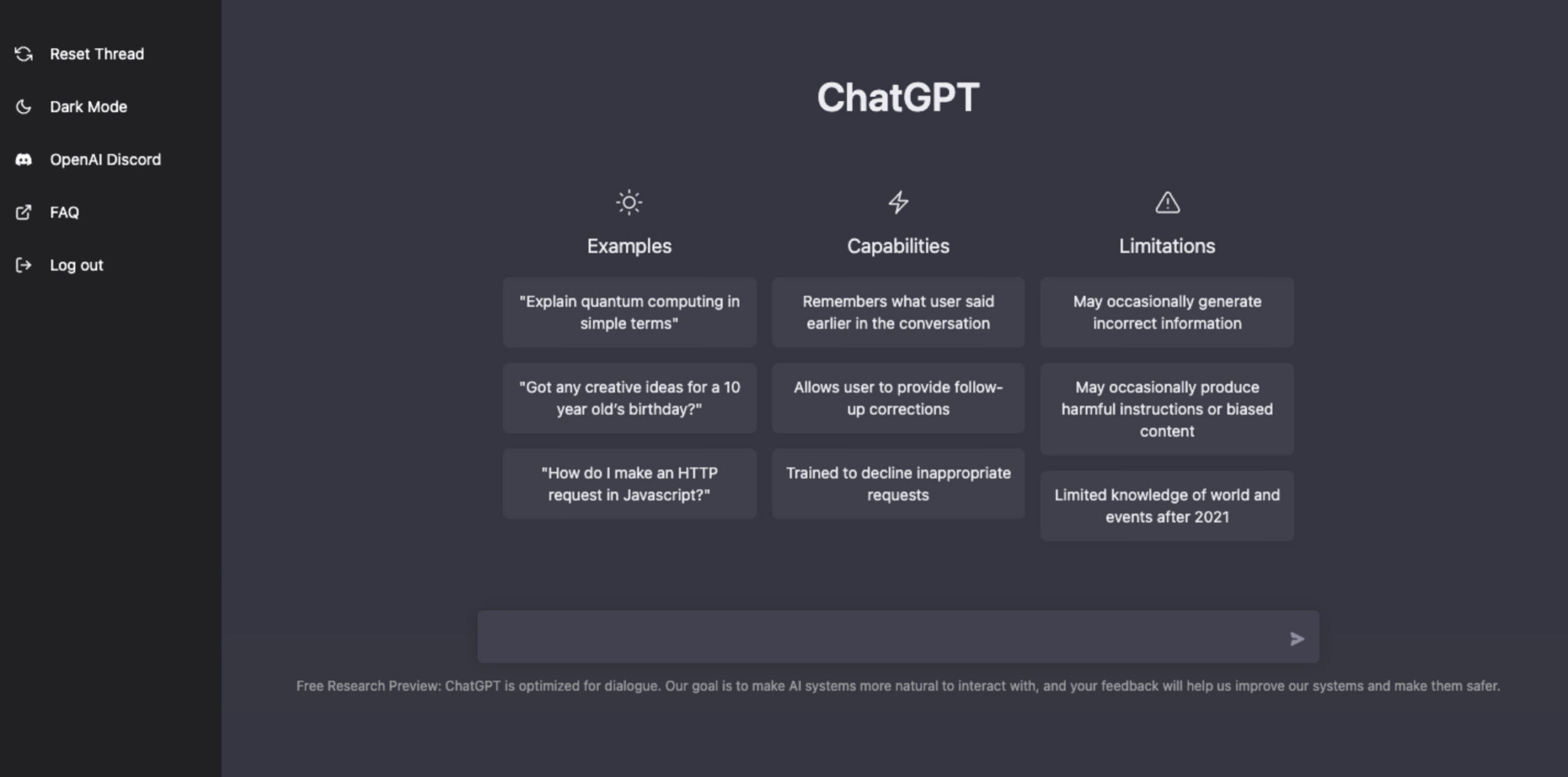
🔎 What it is: ChatGPT is a conversational AI that can help you write, brainstorm, summarize, learn, and even debug code.
📌 Why it’s beginner-friendly:
-
No installation — use it in your browser.
-
Just type natural language.
-
Works for writing emails, blog ideas, quick learning, and research.
🛠 Use Cases for Beginners:
-
Generate article outlines.
-
Ask how to solve simple problems.
-
Get step-by-step explanations.
📊 Proven Performance: In real tests, ChatGPT Free in 2026 wrote a 1000-word article in 11 seconds with excellent structure and accuracy.
✨ Tip: Start with simple prompts like:
-
“Write 5 blog ideas about healthy eating.”
-
“Explain compound interest in simple terms.”
ChatGPT will produce usable output instantly.
2. Google Gemini Free — Research & Everyday Knowledge
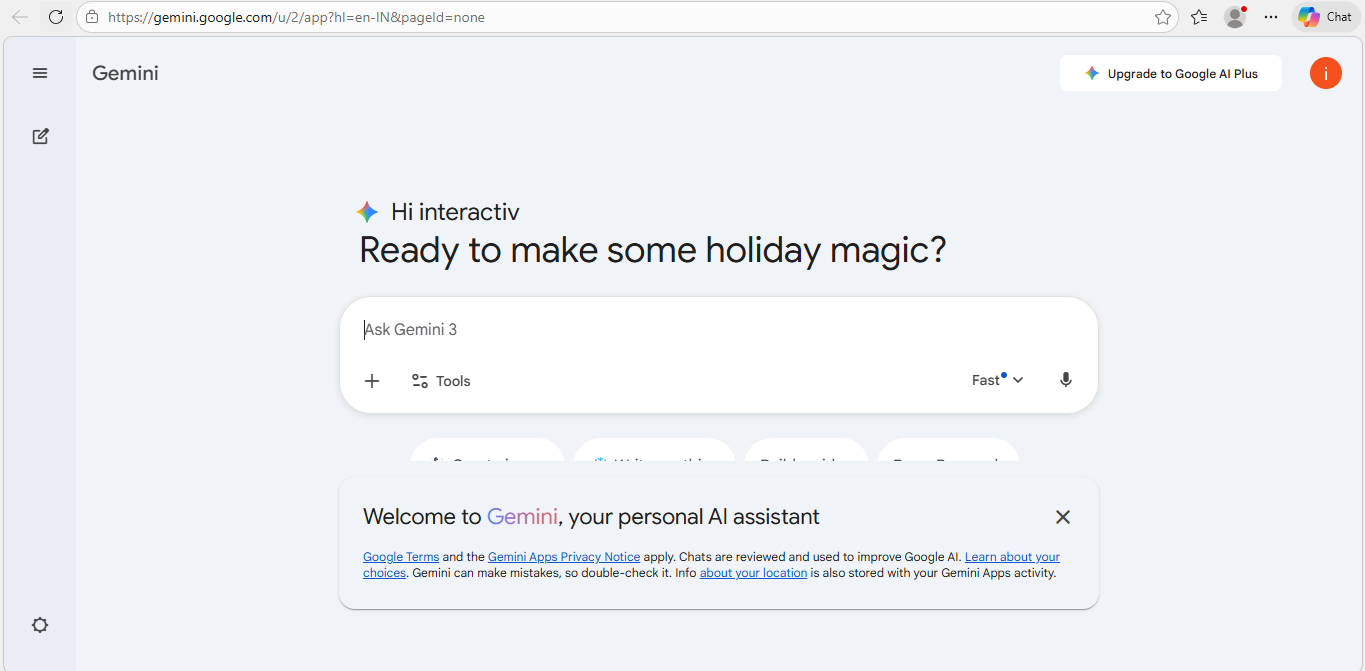
🧠 What it is: Google’s free AI assistant designed for research, studying, and general information.
👶 Beginner Highlights:
-
Clean interface.
-
Good for students and general knowledge.
-
Understands context well.
🛠 Use Cases:
-
Get quick answers with sources.
-
Summarize articles or paragraphs.
-
Study help for exams or projects.
💡 Why Try It Early: It’s built to be intuitive — ask questions like you would to a teacher.
3. Canva AI Free — Design Made Easy
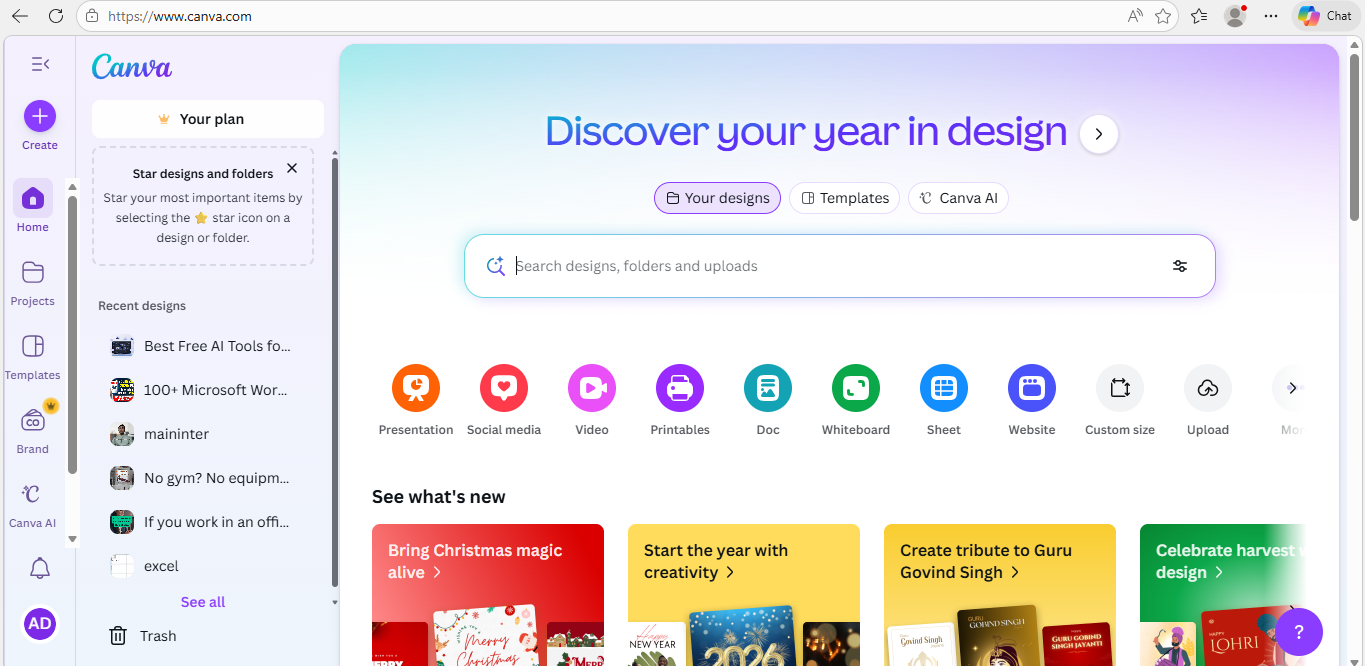
🎨 What it is: A drag-and-drop design tool with built-in AI features for graphics and social media content.
💡 Beginner-Friendly Because:
-
Templates help start projects fast.
-
AI features like Magic Write and AI-assisted image suggestions take effort out of design.
🛠 Use Cases:
-
Social media posts.
-
Logos.
-
Thumbnail graphics.
💬 Best For: Creators, small business owners, and social media enthusiasts.
4. CapCut AI — Video Editing Without Stress

🎥 What it is: A video editing suite focused on simple AI editing tools like captions, background removal, and templates. Careers Knowledge
🚀 Good For Beginners:
-
Intuitive user interface.
-
Automatic features like captions and effects.
-
Works well for short social media videos.
🛠 Use Cases:
-
Create engaging reels or TikToks.
-
Edit family clips with AI-generated enhancements.
5. Notion AI Free — AI-Powered Notes & Organization
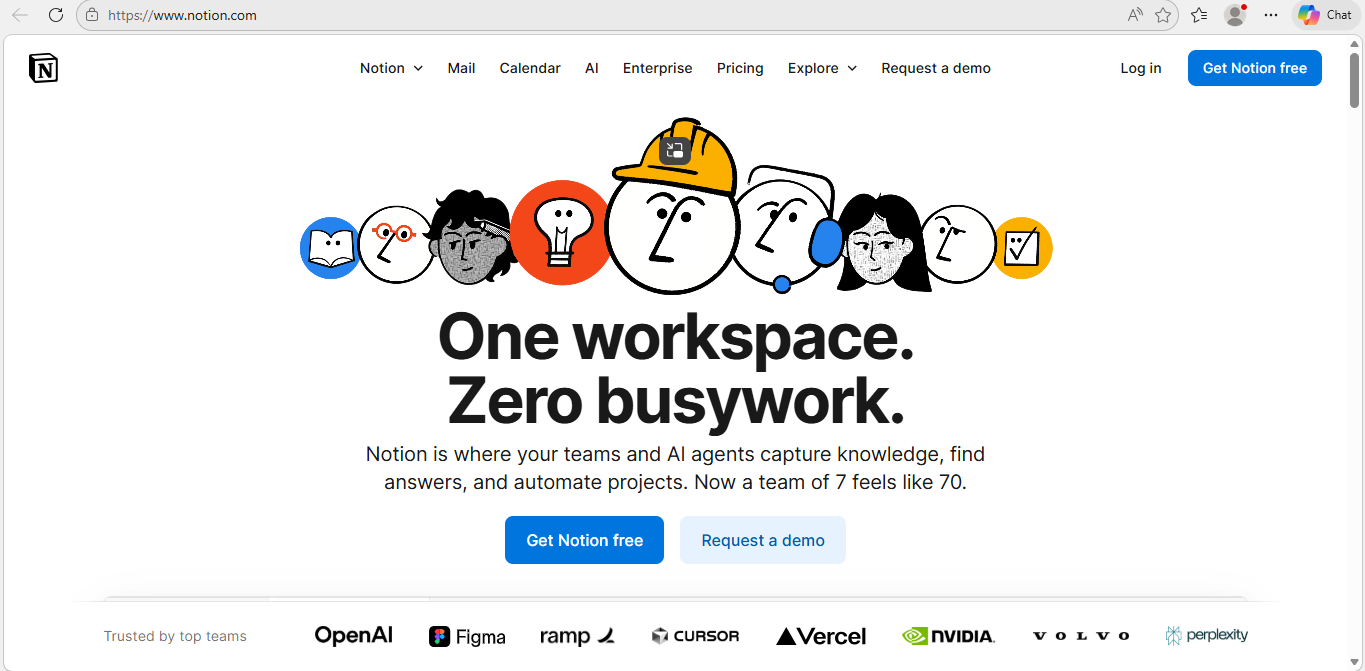
📘 What it is: Notion is a productivity tool with built-in AI for note summarization, task breakdown, and document creation. Careers Knowledge
🧩 Beginner Friendly Features:
-
AI drafts meeting notes.
-
Automatically summarizes long pages.
-
Helps brainstorm lists and plans.
🛠 Use Cases:
-
Organize school or work projects.
-
Draft outlines for blogs or study plans.
6. Claude Free — Long-Form Writing Helper
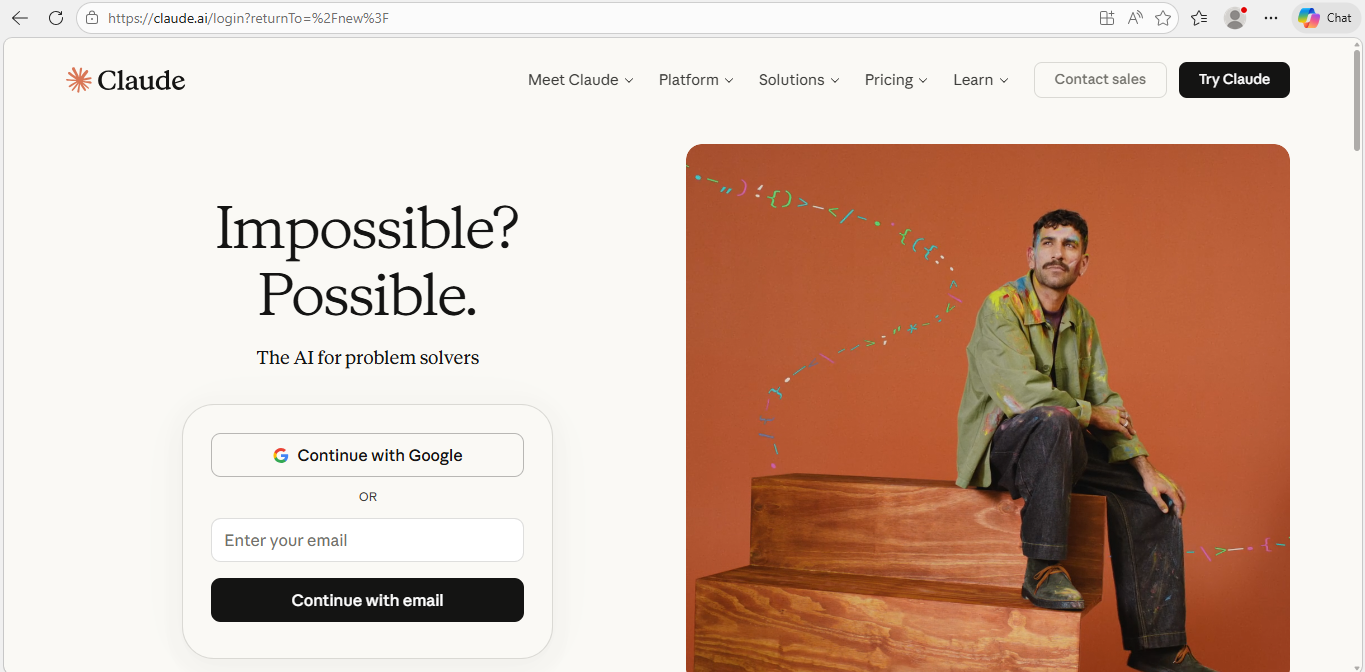
📝 What it is: A conversational AI known for long-context writing and deeper discussion. Micro Solutions – Corning
🧠 Best Qualities:
-
Handles long documents well.
-
Thinks through detailed problems differently than some other tools.
✨ Use Cases:
-
Draft essays and detailed reports.
-
Brainstorm ideas with depth.
7. HuggingChat — Open-Source AI Experiments
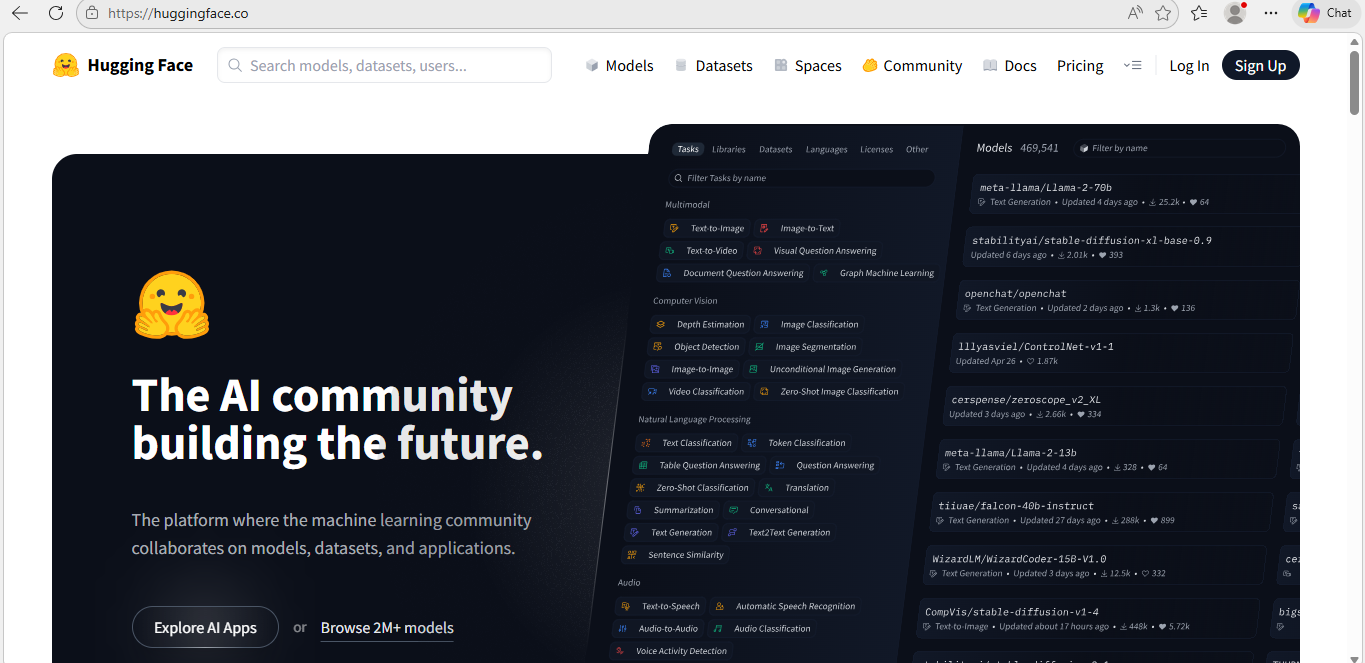
🔓 What it is: A free chatbot interface provided by Hugging Face to explore community-trained models. Micro Solutions – Corning
🧠 Why Beginners Love It:
-
Completely free and open — no sign-up required.
-
Try different AI models in one place.
🛠 Use Cases:
-
Learn how different AI responds.
-
Experiment with free models beyond the mainstream.
8. Perplexity & Comet Browser — AI-Enhanced Research
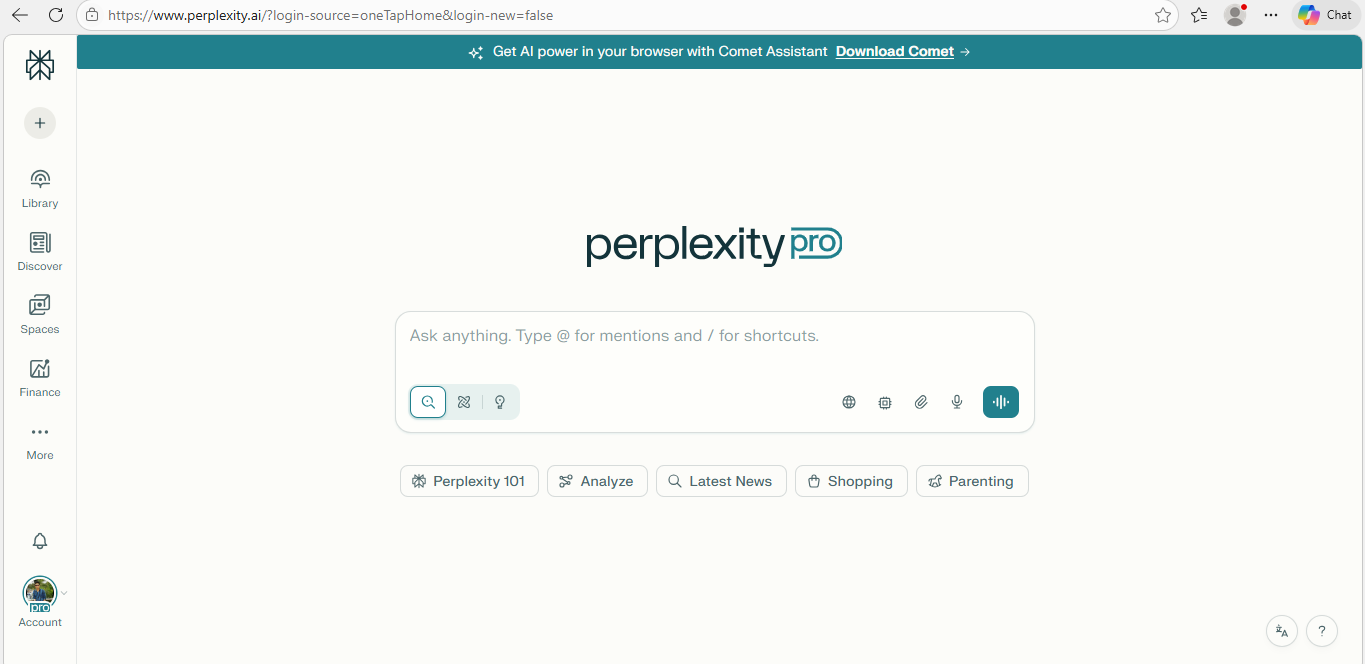
🌐 What it is: A free AI research assistant and browser with summarization and workflow tools. The Times of India
📊 Beginner Benefit:
-
Helps you find answers faster than traditional search engines.
-
Provides summarized answers.
🛠 Use Cases:
-
Rapid research for essays or assignments.
-
Summarize web articles.
9. Free Document Maker — AI Tools for Everyday Docs
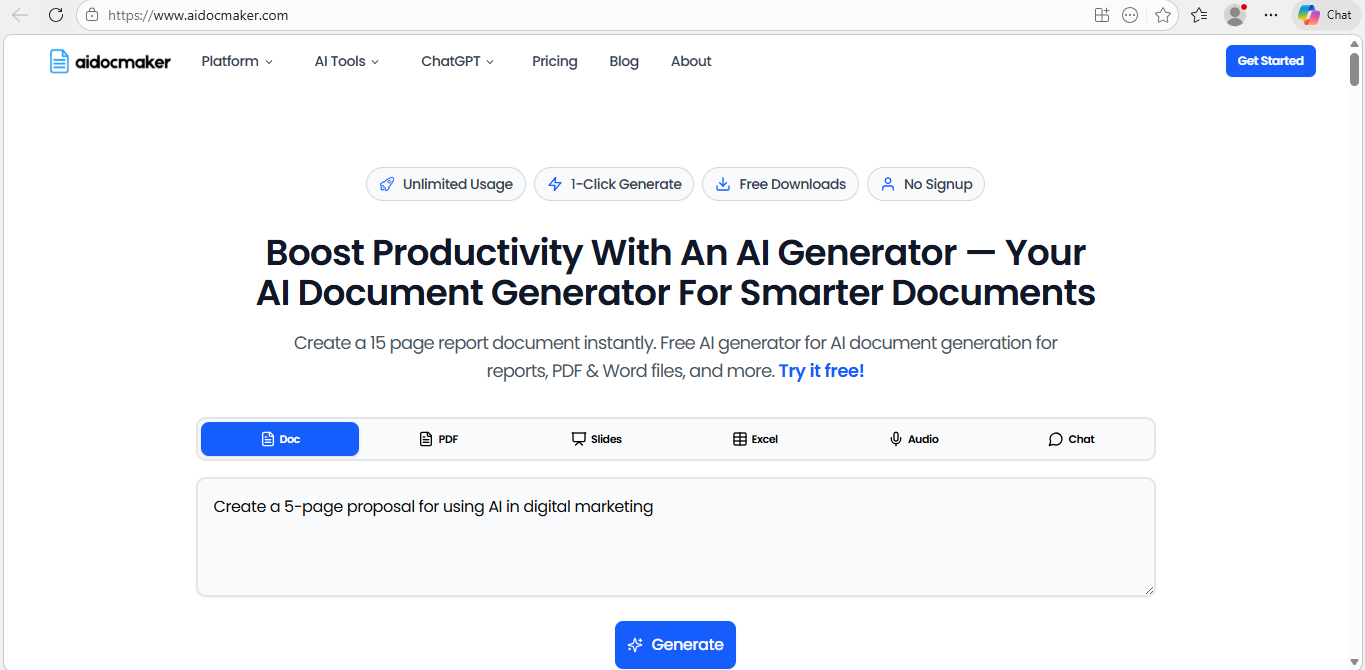
📄 What it is: A suite of free document utilities including PDF editing, resume builders, and invoice templates. Wikipedia
📌 Good For New Users Because:
-
Browser-based — no install needed.
-
Supports many document tasks in one place.
🛠 Use Cases:
-
Create resumes.
-
Edit PDFs without software installs.
How These Tools Work Together (Beginner Workflow)
To help beginners actually use these tools, here’s a simple sequence you can try this week:
Day 1 — Start with Writing
-
Use ChatGPT Free to plan an article.
-
Refine with Claude Free or HuggingChat if you need depth or alternative phrasing.
Day 2 — Create Graphics
-
Use Canva AI Free to design images for your article or social media.
Day 3 — Make a Video
-
Use CapCut AI to turn visuals into short video clips with captions.
Day 4 — Organize & Publish
-
Organize your content and notes with Notion AI Free.
-
Export documents using Free Document Maker.
Day 5 — Research Deeper
-
Use Google Gemini Free or Perplexity AI to double-check facts and enhance your content.
This kind of workflow shows how tools can layer together — a real beginner approach that leads to published results.
Real Case Example: A Student Workflow
Let’s say you’re a student tasked with writing a research summary on sustainable energy. Here’s how you’d use free AI tools:
-
Brainstorm topics with ChatGPT Free (“List 10 trends in sustainable energy technology”).
-
Research sources using Perplexity AI to get short, source-backed summaries.
-
Draft the report using Claude Free for longer draft writing.
-
Create visuals in Canva AI for charts or diagrams.
-
Organize notes in Notion AI.
-
Compile and export your final document with Free Document Maker.
In each step, you pay zero subscription fees and avoid the learning curve of premium tools.
Tips to Get the Most Out of Free AI Tools
1. Start with Clear Prompts
Tell the AI exactly what you want — structure and context matter. For example:
❗ “Write a 500-word introduction to sustainable energy with sources.”
This yields better output than:
❌ “Tell me about energy.”
**2. Don’t Expect Premium Features for Free
Each tool’s free tier has limits, but most are plenty powerful for everyday tasks.
3. Mix Tools for Better Results
If one assistant gives too brief a response, try another. Each model handles context differently.
Safety & Best Practices for Beginners
AI is powerful, but it’s not perfect:
-
Check facts: AI can generate inaccurate or outdated data.
-
Protect privacy: Don’t enter sensitive info.
-
Cite sources: When using research tools, record references.
Using AI responsibly ensures you get useful output without risks.
Conclusion: You Don’t Need to Spend Money to Start with AI
In 2026, there’s a remarkable ecosystem of free AI tools that actually work for beginners — not just trials or limited demos. Tools like ChatGPT Free, Google Gemini, Canva AI, CapCut AI, Notion AI, and open alternatives like Claude Free and HuggingChat give you real capabilities without paying.
Whether you want to write, design, organize, research, or create media — there’s a free tool for you.
Now you have a roadmap. The only thing left? Try them.
Tell us: which tool are you going to start with today?


