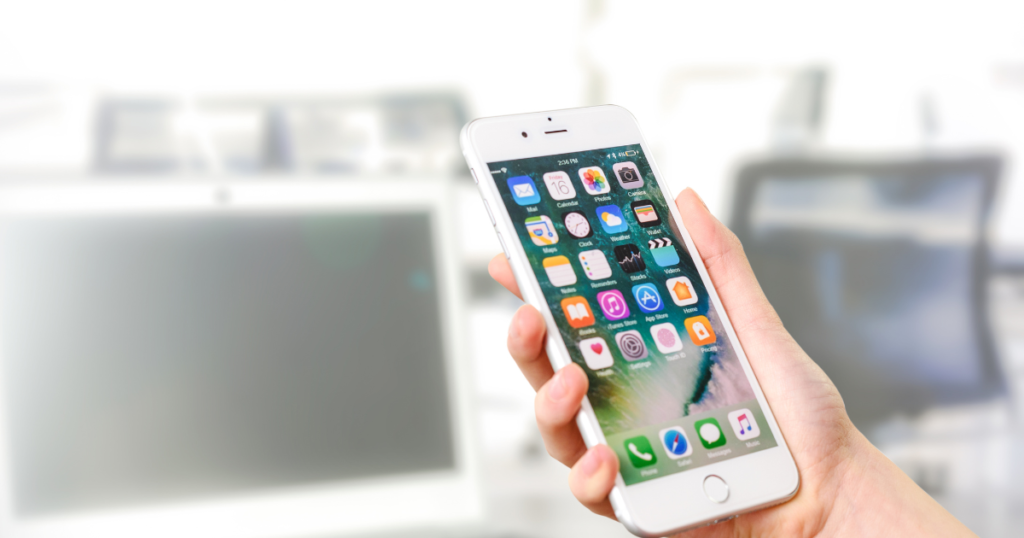

Smartphones have become personal assistants, work tools, and entertainment hubs all in one. In 2026, Android apps are smarter, faster, and more focused on real-life problems. Some apps save time, some protect privacy, while others quietly improve daily habits. Choosing the right ones makes a real difference in how smoothly your day runs. Below are the best Android apps everyone should use in 2026, selected for usefulness, reliability, and everyday value.
Productivity & Time Management Apps That Actually Save Time
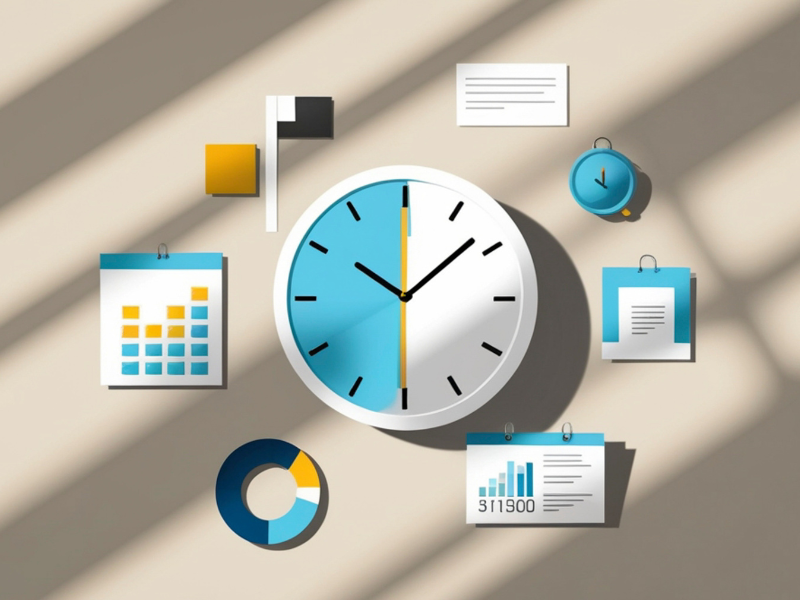
Staying productive is harder than ever. Notifications, messages, and endless scrolling can quietly eat hours. However, the right productivity apps help you regain control without making life complicated.
Smart task and note management
Apps like Notion, TickTick, and Microsoft To Do are widely used because they feel natural. Notion works well for people who like planning projects, writing notes, and storing ideas in one place. TickTick is better for daily task lists and reminders. For example, setting recurring reminders for bills or workouts becomes effortless.
Focus and distraction control
In addition, apps such as Forest and StayFree help reduce screen addiction. Forest encourages focus by growing a virtual tree when you avoid your phone. StayFree shows detailed app usage reports, which is often eye-opening. As a result, users become more mindful of their habits.
Calendar and workflow balance
Google Calendar remains essential, especially when combined with task apps. Syncing work meetings, family events, and personal goals keeps life balanced. Moreover, most of these apps now support AI-based suggestions, helping plan tasks more realistically without feeling overwhelmed.
AI-Powered Android Apps Making Life Easier in 2026
Artificial intelligence is no longer a buzzword. In 2026, AI-powered Android apps quietly assist users in daily tasks, from writing messages to organizing photos.
Everyday AI assistants
Apps like ChatGPT, Perplexity AI, and Google Gemini are now part of regular phone usage. They help draft emails, explain complex topics, and even plan trips. For example, asking an AI app to summarize long documents saves time and mental energy.
Smart photo and file management
Google Photos uses AI to sort images by people, places, and events. Moreover, searching for “beach photos” or “documents” works accurately. This is useful for professionals who store receipts or contracts on their phones.
Voice, translation, and learning
AI-powered translation apps such as Google Translate now work offline more reliably. In addition, voice typing has become more accurate, making it easier to reply to messages while multitasking. Therefore, AI apps are no longer optional; they simply make life smoother.
Privacy, Security & Utility Apps for Safe Android Use
As smartphones store more personal data, security becomes essential. Thankfully, Android apps in 2026 focus heavily on privacy without complicating things.
Password and data protection
Apps like Bitwarden and 1Password store strong passwords securely. Instead of remembering dozens of logins, users remember just one master password. For example, logging into banking or work apps becomes faster and safer.
VPN and secure browsing
In addition, VPN apps such as Proton VPN and NordVPN protect data on public Wi-Fi. This is especially helpful while traveling or using café networks. Moreover, secure browsers like Brave block trackers and unwanted ads by default.
Everyday utility tools
Utility apps such as Files by Google and SD Maid help clean storage and manage files efficiently. As a result, phones stay fast and clutter-free. Small improvements like these protect performance and privacy over time.
Health, Fitness & Lifestyle Apps for Balanced Living
Health apps in 2026 focus more on habits than unrealistic goals. They encourage consistency rather than pressure, which makes them easier to stick with.
Fitness and movement tracking
Apps like Google Fit, Nike Training Club, and Fitify support different fitness levels. For example, short home workouts suit busy schedules, while longer routines help fitness enthusiasts. Moreover, these apps adapt plans based on progress.
Mental wellness and focus
Mental health apps such as Headspace and Balance offer guided meditation and breathing exercises. Even five minutes a day helps reduce stress. Therefore, these apps are widely used by professionals and students alike.
Sleep, nutrition, and daily habits
Sleep tracking apps now provide simple insights without overwhelming data. In addition, nutrition apps like MyFitnessPal help track meals gently, focusing on awareness instead of strict dieting. As a result, users build healthier routines naturally.
Entertainment, Learning & Everyday Smart Apps
Phones are also for relaxation and learning. The best Android apps balance entertainment with value, avoiding mindless usage.
Learning and skill-building
Apps like Duolingo, Coursera, and Khan Academy make learning accessible. For example, practicing a language for ten minutes daily feels achievable. Moreover, short lessons fit easily into busy routines.
Music, podcasts, and reading
Spotify and YouTube Music remain popular, but podcast apps such as Pocket Casts offer better listening control. In addition, reading apps like Kindle and Medium help replace scrolling with meaningful content.
Smart daily-use apps
Apps such as Google Keep, Splitwise, and Google Wallet quietly improve everyday life. Splitwise simplifies expense sharing with friends, while Google Wallet stores cards securely. Therefore, these apps become daily companions without demanding attention.
Frequently Asked Questions (FAQs)
1. Which are the best Android apps everyone should use in 2026?
The best Android apps in 2026 include productivity tools, AI assistants, privacy apps, health trackers, and smart utility apps. These apps focus on saving time, improving security, and supporting daily routines without adding complexity.
2. Are AI-powered Android apps safe to use daily?
Most popular AI-powered Android apps are safe when downloaded from trusted sources. However, users should review privacy permissions and avoid sharing sensitive personal data unnecessarily.
3. What productivity apps work best for busy professionals?
Apps like Notion, TickTick, and Google Calendar work well for busy professionals. They help manage tasks, meetings, and deadlines efficiently while syncing across devices.
4. Which Android apps help reduce screen time?
Apps such as Forest, StayFree, and Digital Wellbeing help track and limit screen usage. They encourage healthier phone habits through visual reports and focus-based tools.
5. Are free Android apps good enough in 2026?
Many free Android apps offer excellent features in 2026. However, premium versions often provide better privacy, fewer ads, and advanced tools for power users.
6. What are the best Android apps for health and fitness?
Google Fit, Nike Training Club, and Headspace are among the best Android apps for fitness and mental wellness. They support balanced health goals with simple daily guidance.
7. Which Android apps improve privacy and security?
Bitwarden, Proton VPN, and Brave Browser are strong choices for Android privacy and security. They protect passwords, browsing data, and online activity effectively.
Final Thoughts
Choosing the best Android apps everyone should use in 2026 is less about trends and more about real value. Apps that save time, protect privacy, and support healthy habits quietly improve daily life. Instead of installing dozens of apps, focusing on a few reliable ones creates a smoother and more enjoyable smartphone experience. Try a couple from each category and notice the difference they make over time.


